
11 Proven Tactics to Avoid Commercial Security System Installation Mistakes
Commercial security system installation projects rarely fail because a camera or panel is defective. They fail because the project is planned and executed as if it were a hardware deployment rather than a lifecycle project that spans assessment, infrastructure, physical work, configuration, testing, organizational readiness, and ongoing management. The mistakes below are the recurring points at which that lifecycle breaks down, along with the controls that keep it intact.
1. Treating Commercial Installation as Equipment Mounting
The most consequential mistake is scoping the project too narrowly from the start. Commercial security system installation is not the act of mounting cameras, panels, or access-control readers on a wall. It is a project that runs from initial assessment through solution planning and selection, infrastructure preparation, physical installation, device configuration and testing, staff training, and post-installation management.
This distinction matters because every mistake described in the remaining sections traces back to a stage of this lifecycle being skipped, compressed, or treated as someone else’s responsibility. A security integrator may be responsible for physical installation, but infrastructure readiness typically depends on facilities and IT, configuration security depends on IT policy, and operational effectiveness depends on how security staff, facilities, and other affected functions use the system after it goes live. When any of these dependencies is dropped from the project scope, the installation may be technically complete while remaining operationally or financially exposed.
Reading the rest of this guide through this lifecycle lens — rather than as a checklist of hardware tasks — is what allows the later mistakes to be understood as project-management failures rather than isolated technical errors.
2. Choosing a Solution Before Assessing Security Needs
Security needs and vulnerabilities should be assessed before a solution or specific equipment is chosen. When equipment selection happens first, the project inherits the coverage gaps, mismatched capabilities, and configuration assumptions built into whatever was purchased rather than the protection priorities the facility actually requires.
2.1 What the Assessment Must Establish
An installation-relevant assessment does not need to become a formal enterprise risk-management exercise. What it must establish, at minimum, is which vulnerabilities and protection priorities are relevant to the facility being secured, because these priorities are what should define the requirements handed to planning and solution selection. Skipping this step reverses the correct sequence: instead of the assessment shaping the solution, the solution ends up defining — and limiting — what the facility is protected against.
3. Underestimating Infrastructure and Lifecycle Costs
A common budgeting mistake is equating the installation budget with the equipment purchase price. In practice, infrastructure, integration, licensing, service contracts, training, and maintenance requirements can extend the project scope, and therefore its cost, well beyond the price of the devices themselves.
3.1 Infrastructure That Should Be Considered Before Installation
Before installation begins, the infrastructure elements that typically require planning include:
| Infrastructure Element | Why It Needs Planning |
|---|---|
| Cabling | Determines routing, protection, and physical installation feasibility |
| Network switches | Support the connectivity that connected devices depend on |
| Backup power / UPS | Maintains operation during power interruptions |
| Mounting locations | Affect both physical placement and cabling/power routing |
| Network requirements | Support device connectivity and configuration |
| Integration requirements | Determine how the system connects with other project elements |
This is a planning checklist, not a specification list: it identifies what needs to be evaluated for the specific facility, not universal sizing, capacity, or performance values, which are not established for every deployment and should not be assumed.
3.2 Why Rework Becomes a Cost Risk
Infrastructure gaps that are identified after installation has already started — missing cabling paths, insufficient power provisioning, or mounting locations that were never confirmed — tend to convert directly into rework. Rework, in turn, is what drives project cost and timeline beyond what the original equipment budget anticipated. The link between infrastructure planning and construction timing, discussed next, is what determines whether these gaps are caught early or discovered mid-project.
4. Failing to Coordinate Security Installation With Construction or Renovation
When a facility is under construction or renovation, security installation requirements should be coordinated with that process early — ideally before or during construction/renovation planning, not after walls, ceilings, and cabling paths are already finalized.
Coordinating early allows cabling, power, and mounting locations to be addressed as part of the same physical work, rather than retrofitted afterward. Where a security integrator is involved in the project, their participation during this planning stage — rather than only at the point of physical installation — is what allows infrastructure and mounting decisions to be validated before construction locks them in. Treating security installation as a separate project that begins only once construction is finished is what typically produces the retrofit and rework risk described in the previous section.
5. Using Equipment That Does Not Fit the Commercial Environment
Equipment appropriate for a commercial installation needs to match commercial demands, environmental conditions, placement requirements, and the infrastructure it will connect to — and it needs to remain usable by the staff who will operate it. Two failure patterns show up repeatedly here: equipment that is under-capable for the commercial environment it is placed in, and equipment that is unnecessarily complex relative to what staff can realistically operate.
5.1 Commercial Capability vs. Residential-Grade Suitability
The relevant distinction is suitability, not a product-by-product comparison. Residential-grade equipment is built around residential demands, environments, and usage patterns; a commercial environment introduces different environmental conditions, placement requirements, infrastructure dependencies, and usability expectations for staff rather than a single household user.
| Consideration | Commercial-Grade Expectation | Residential-Grade Limitation |
|---|---|---|
| Environmental conditions | Suited to the facility’s actual operating environment | May not be designed for the same conditions |
| Infrastructure compatibility | Aligned with facility cabling, power, and network requirements | May assume simpler home infrastructure |
| Placement/usage | Matched to commercial placement and coverage needs | Sized for residential placement patterns |
| Staff usability | Operable by relevant staff functions | Designed around a single household user |
No specific product, manufacturer, certification, or performance specification is implied by this distinction — it is a suitability question that must be answered against the conditions of the specific facility.
5.2 Balancing Capability With Staff Usability
Equipment selection should not swing to the opposite extreme either. A system that is more complex than the staff operating it can realistically manage reduces practical effectiveness just as much as an under-capable system does. Commercial capability and staff usability need to be balanced against each other during selection, not treated as independent criteria.
6. Treating Physical Installation as a Hardware-Only Task
Physical installation quality directly affects both system performance and vulnerability. Placement, field of view, environmental conditions, cabling protection, mounting, equipment suitability, and power (including backup power) are the factors that determine whether an installed device actually performs the function it was selected for.
6.1 Placement and Field-of-View Validation
Placement and field-of-view decisions made during installation are what create — or prevent — blind spots. Because these decisions are difficult to fully verify by inspection alone, they need to be validated as part of installation testing (covered in Section 8) rather than assumed to be correct once a device is mounted.
6.2 Environment, Cabling, Mounting, and Power
Beyond placement, several physical conditions affect whether an installation performs reliably over time:
- Environmental conditions relevant to where the device is mounted
- Cabling protection, to prevent damage or tampering
- Mounting quality, affecting both stability and vandalism exposure
- Equipment suitability for the specific location
- Power and backup power availability
Each of these is a physical-installation consideration confirmed as relevant to commercial deployment; none of them implies a specific mounting standard, coverage distance, or equipment rating beyond what has been established for the facility in question.
7. Leaving Connected Security Devices Poorly Configured
Connected security devices introduce a configuration-stage risk that is separate from physical installation quality: a device can be physically installed correctly and still be exposed because of how it was configured.
Within the scope of installation and configuration — not as a standalone cybersecurity architecture — the relevant controls are changing default credentials, enforcing role-based access, and applying network- and security-related mechanisms such as network segmentation (including VLANs), HTTPS, VPN, and WPA3 where these are part of the selected deployment. Configuration should also be validated rather than assumed correct once applied.
Leaving default credentials in place, failing to enforce role-based access, or skipping these validation steps creates exposure that has nothing to do with the physical quality of the installation, which is why configuration needs to be treated as its own installation-stage control rather than an afterthought once devices are mounted and powered.
8. Relying on an Installation Without Real-World Testing
An installation should not be relied on operationally until it has been tested. Testing is what confirms that physical placement, configuration, and system behavior actually work the way the project assumed they would — rather than the way they were intended to on paper.
8.1 What Installation Testing Should Validate
Before operational reliance, installation testing should validate:
- Physical placement and field of view (confirming the blind-spot and coverage decisions made during installation)
- Configuration (confirming that credentials, access control, and applicable network/security mechanisms are functioning as set)
- Relevant real-world or breach-type scenarios, to the extent applicable to the deployment
- Alarm behavior, to confirm the system responds as expected
- Documentation of the configuration and test results, so that what was validated — and by whom — is recorded
This testing stage is what closes the gap between “the equipment is installed” and “the system can be relied on.” No universal test thresholds or performance benchmarks are established here; the requirement is that validation occurs, not that it meets a specific numerical standard.
9. Treating Training and Organizational Coordination as Optional
A technically functional installation can still fail operationally if the people and functions around it are not prepared. Security installation projects depend on coordination among the business functions the system touches — typically including IT, facilities, HR, compliance/legal, and security staff — and on incident-response processes that define how the system is actually used when something happens.
9.1 Role-Specific Training
Coordination alone is not sufficient without role-specific, hands-on training for the staff who will operate the system day to day. Training affects whether the system is used correctly and consistently; without it, even a well-installed and well-configured system is exposed to misuse, inconsistent operation, or fragmented incident response. This is an operational-readiness requirement, not a general HR or organizational-management program — its scope is limited to preparing the relevant functions to use the installed security system correctly.
10. Treating Installation as Finished Once the System Goes Live
Installation is frequently treated as a completed project the moment the system goes live. In practice, effectiveness depends on what happens afterward: maintenance, monitoring, auditing, inspections, firmware updates, and upgrades are part of the same lifecycle as the installation itself, not a separate and optional phase.
10.1 Maintenance, Monitoring, and Auditing
Without ongoing maintenance, monitoring, and periodic auditing, a system that was correctly installed and configured can still degrade in effectiveness over time — through unaddressed firmware updates, undetected faults, or configuration drift that goes unreviewed. Inspections and upgrades applied proactively, rather than only in response to a failure, are what sustain the system’s effectiveness across its operational life. No specific maintenance schedule, monitoring architecture, or service-level requirement is established here; the point is that these activities need to continue, not that they follow a universal frequency.
11. Underestimating the Business Consequences of Installation Quality
Installation mistakes are often treated as a technical concern for the integrator or IT team to resolve. In a commercial context, installation quality also has consequences at the business-decision level: it can affect security effectiveness, operational continuity, compliance exposure, cost, and long-term system performance.
This is why the mistakes described above are not purely engineering issues. A blind spot created by poor placement is a security-effectiveness problem. A configuration left with default credentials is a compliance and exposure problem. Infrastructure gaps discovered mid-project are a cost and continuity problem. Recognizing installation quality as a business-relevant outcome — not only a technical one — is what justifies treating each of the preceding sections as a decision-level control rather than an optional best practice.
11.1 The Two Core Installation Trade-offs
Two trade-offs recur throughout the installation decisions described in this guide and are worth holding in view together:
- Equipment price versus lifecycle/project cost: a lower equipment price does not necessarily reduce the total project cost once infrastructure, integration, licensing, training, and maintenance requirements are accounted for.
- Commercial capability versus staff usability: equipment that is under-capable for the commercial environment and equipment that is more complex than staff can operate both reduce practical effectiveness, in different ways.
Neither trade-off is resolved by a fixed rule; both need to be evaluated against the specific facility, equipment, and staff involved in the project.
12. FAQ
Q1: What are the major mistakes in commercial security system installation projects?
The recurring mistakes are: treating installation as equipment mounting rather than a lifecycle project; selecting a solution before assessing security needs; underestimating infrastructure and lifecycle costs; failing to coordinate with construction or renovation; selecting equipment that does not fit the commercial environment; treating physical installation as a hardware-only task; leaving connected devices poorly configured; skipping real-world testing before operational reliance; treating training and organizational coordination as optional; assuming installation is finished once the system goes live; and underestimating the business consequences of installation quality. Each mistake corresponds to a stage of the installation lifecycle where a dependency was skipped rather than a single hardware defect.
Q2: What is the difference between commercial-grade and residential-grade security equipment in this context?
The difference is suitability, not a specific product comparison. Commercial-grade suitability depends on whether equipment matches the facility’s environmental conditions, infrastructure, placement needs, and staff usability requirements. Residential-grade equipment is built around residential environments and single-user operation, which is why it can be under-capable once placed in a commercial setting. No universal specification threshold separates the two categories; the assessment has to be made against the specific facility.
Q3: How should security capability be balanced with staff usability?
Neither extreme is desirable: equipment that is under-capable for the commercial environment reduces protection, while equipment that is more complex than staff can operate reduces practical effectiveness even if its technical capability is sufficient. The balance needs to be assessed against the actual staff who will operate the system, not against capability alone.
13. System Component Checklist Appendix
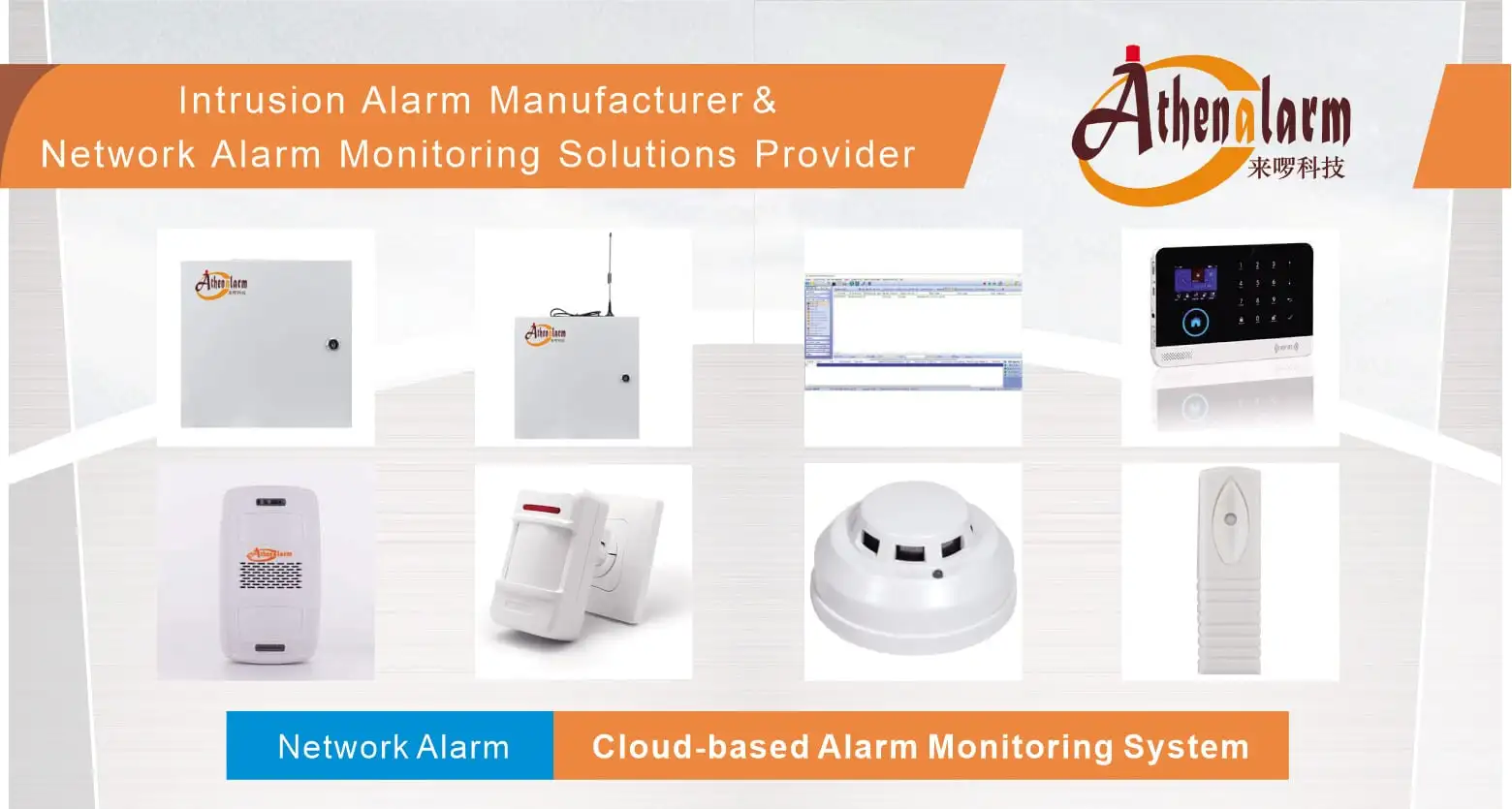
For commercial site deployments, physical security infrastructure planning should account for standard edge hardware and industry-specific application architectures:
- Core System Hardware:
- Main Control Unit: Central Alarm Control Panel Integration
- Motion Detection: PIR Motion Sensors | Wide-Angle PIR Motion Detectors
- Environmental & Safety Sensors: Photoelectric Smoke Detectors | Combustible Gas Detectors
- Structural Integrity Sensors: Digital Vibration Detectors | Magnetic Door Contacts
- Emergency & Panic Triggers: Hardwired Panic Buttons | Wireless Panic Buttons
- Local Annunciators: Strobe Warning Lights | Motion-Activated Voice Alert Players
- Vertical-Specific Network Security Architectures:
- Financial Facilities: Bank Security Alarm System Solutions | ATM Alarm Monitoring Solutions | Bank Vault Monitoring Solutions
- Commercial & Retail: Store Security System Solutions | Hotel Burglar Alarm Systems
- Residential & Multi-Tenant: Community Alarm Management Solutions | House Alarm System Integration | GSM/WiFi Smart Alarm Hubs
- Manufacturing & OEM Services: Burglar Alarm Manufacturer Solutions
